One item at a time
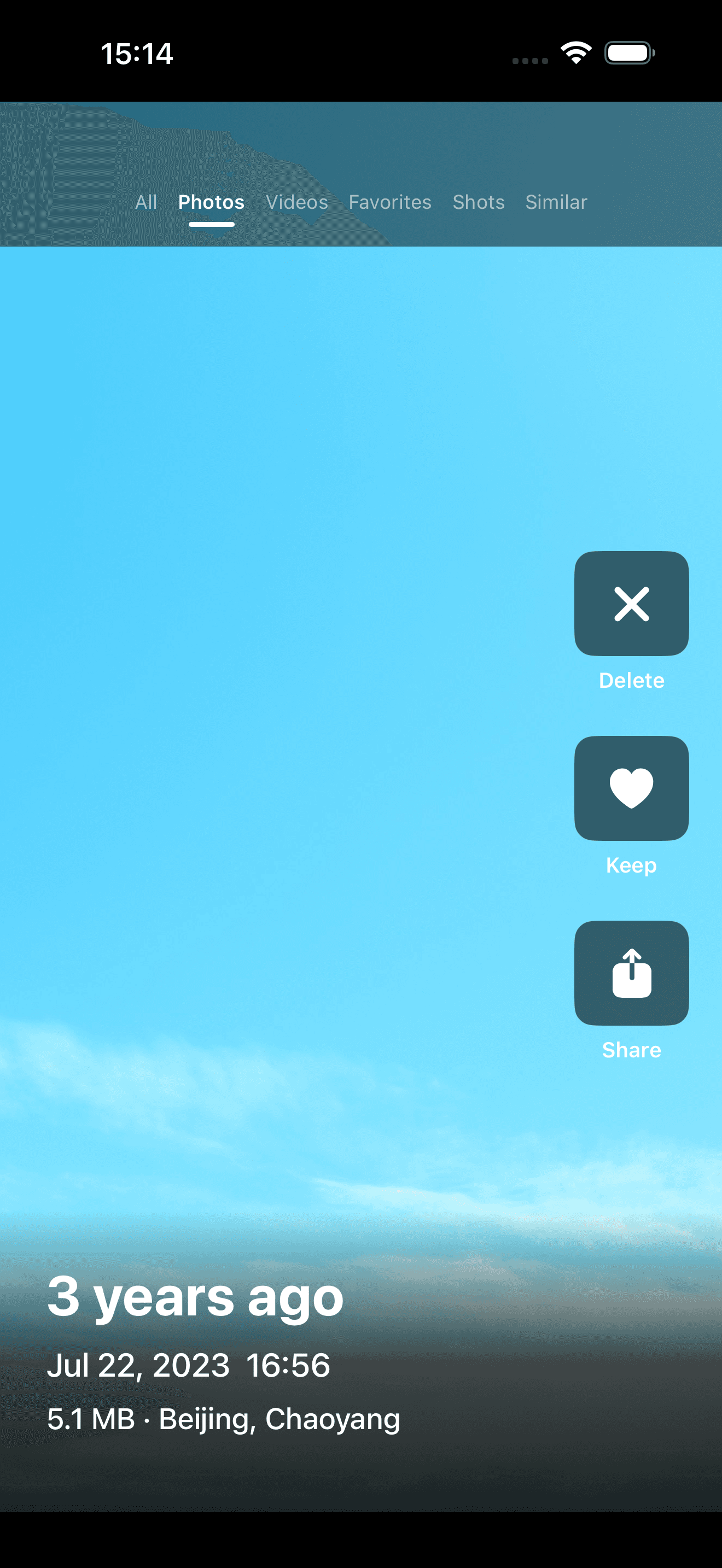
See the photo or video clearly instead of judging tiny thumbnails in a crowded grid.
 PicTok
Swipe through camera-roll clutter
Camera rolls become overwhelming because every photo asks for a decision. PicTok makes that decision small again: focus on one item, choose what it means to you, and keep moving.
Why this approach works
Grid views are great for finding a date, but less helpful when you need to decide what stays. PicTok presents photos and videos in a focused flow, while still keeping a basket and final review between your swipes and permanent changes.
See the photo or video clearly instead of judging tiny thumbnails in a crowded grid.
Keep browsing, favorite a memory, or share it while you organize your camera roll.
A few minutes in a queue can become a useful cleanup session without feeling like a project.
A practical workflow
Move through your library in a feed designed for quick, focused decisions.
Mark screenshots, accidental shots, and unwanted clips without deleting them immediately.
Review the complete selection, restore anything you changed your mind about, and then confirm with iOS.
A useful photo organizer should fit the small gaps in your day. PicTok is designed for repeatable sessions, not a stressful once-a-year purge. You can stop when you want and come back to the library later.
The app supports videos as well as still photos, because the camera roll is no longer just a photo album. Screen recordings, social clips, and long videos often deserve the same regular review.
PicTok keeps the workflow private and direct. There is no account to create, and the current version does not include third-party advertising or tracking SDKs.
Common questions
No. Items first go to a review basket. You inspect the batch and then confirm the deletion through iOS.
Yes. Photos and videos share the same browsing and review flow.
No account or sign-in is required to use PicTok.
Private photo cleanup for iPhone and iPad