Scroll through your own story
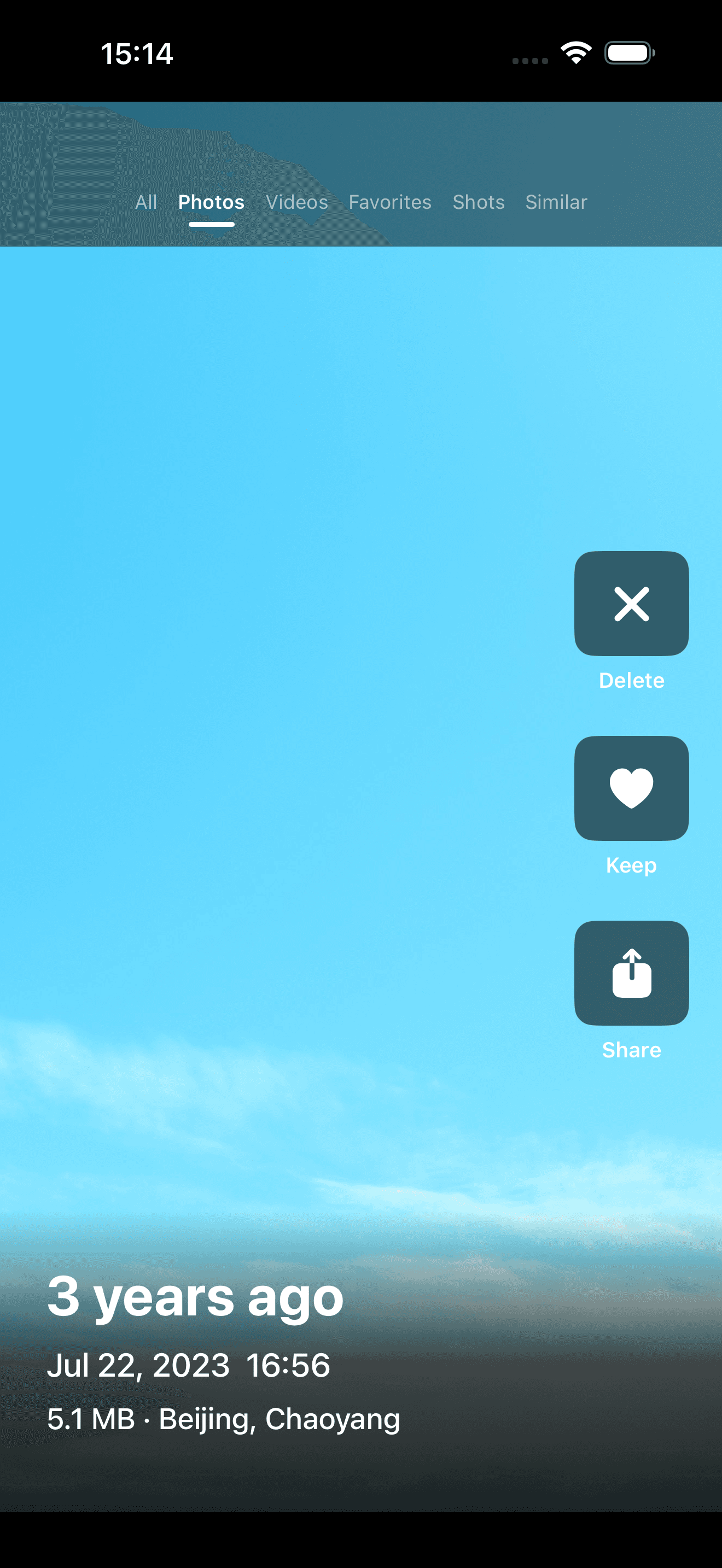
Move through photos and videos like a familiar feed—one full-screen moment at a time, without facing a wall of thumbnails.
Explore swipe cleanup PicTok
Clean like a short-video feed
Swipe through your own photos and videos like a short-video feed. Clear the clutter, relive what you captured, and find little surprises you had forgotten along the way.
Free to start · No account · iPhone and iPad
Cleanup as rediscovery
Your camera roll is more than storage. PicTok turns cleanup into a light, focused scroll through your own story—what you noticed, who mattered, and which moments still deserve a place.
Move through photos and videos like a familiar feed—one full-screen moment at a time, without facing a wall of thumbnails.
Explore swipe cleanupTravel days, ordinary afternoons, people, places, and tiny details resurface while you decide what still matters.
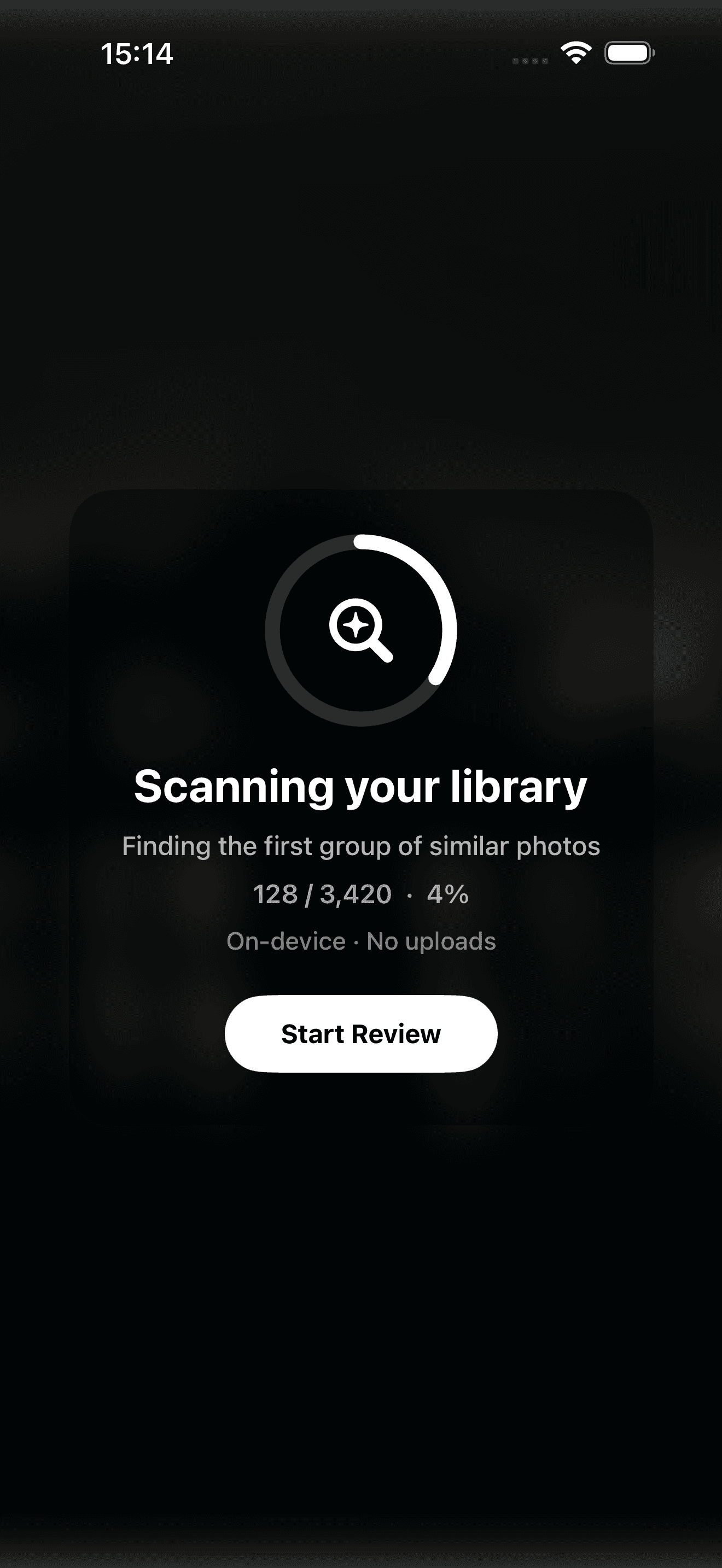
Compare similar momentsSend distractions to a review basket, keep the moments that tell your story, and make the final deletion decision yourself.
Read the cleanup guideA simple rhythm
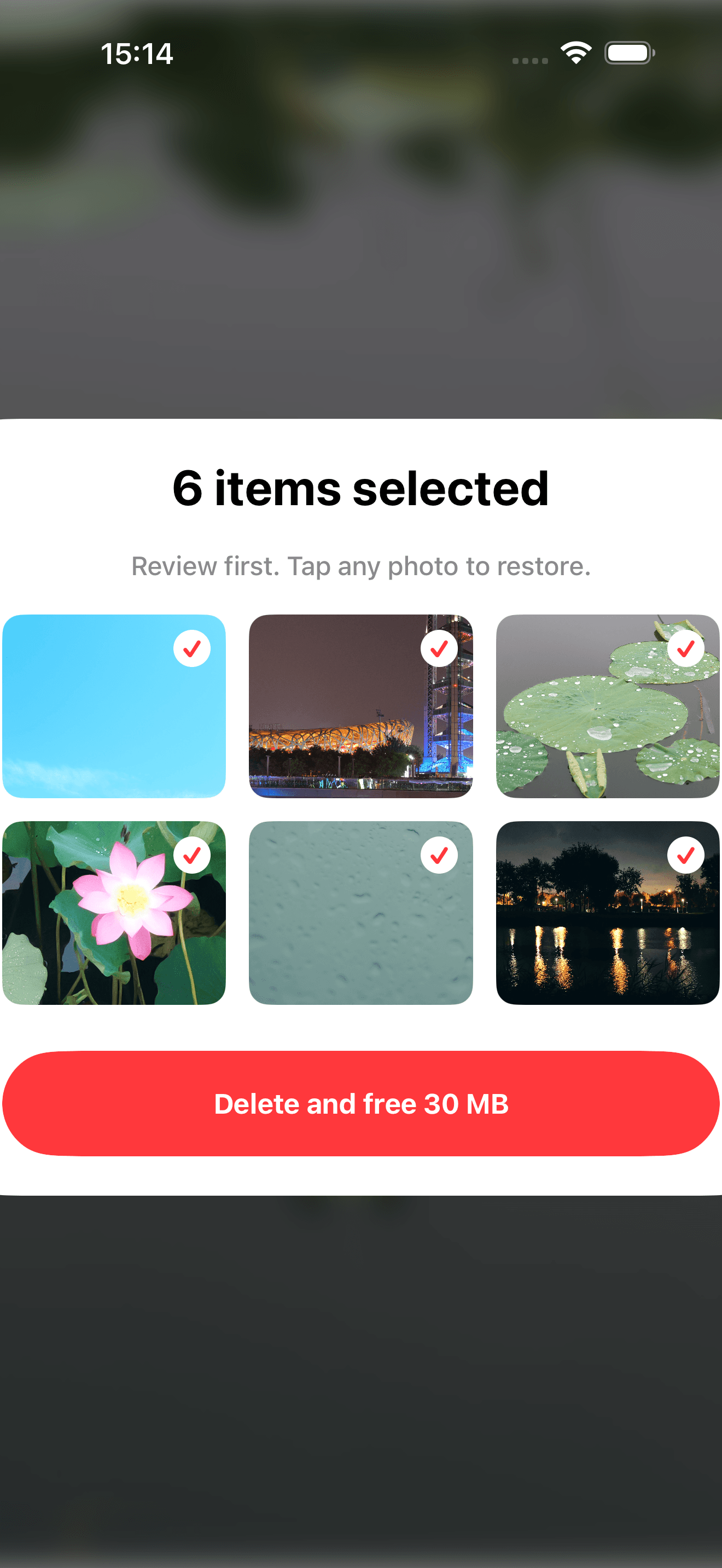
Browse up, send clutter to the basket, and keep moving. Nothing is removed until you review the full batch and confirm with iOS.
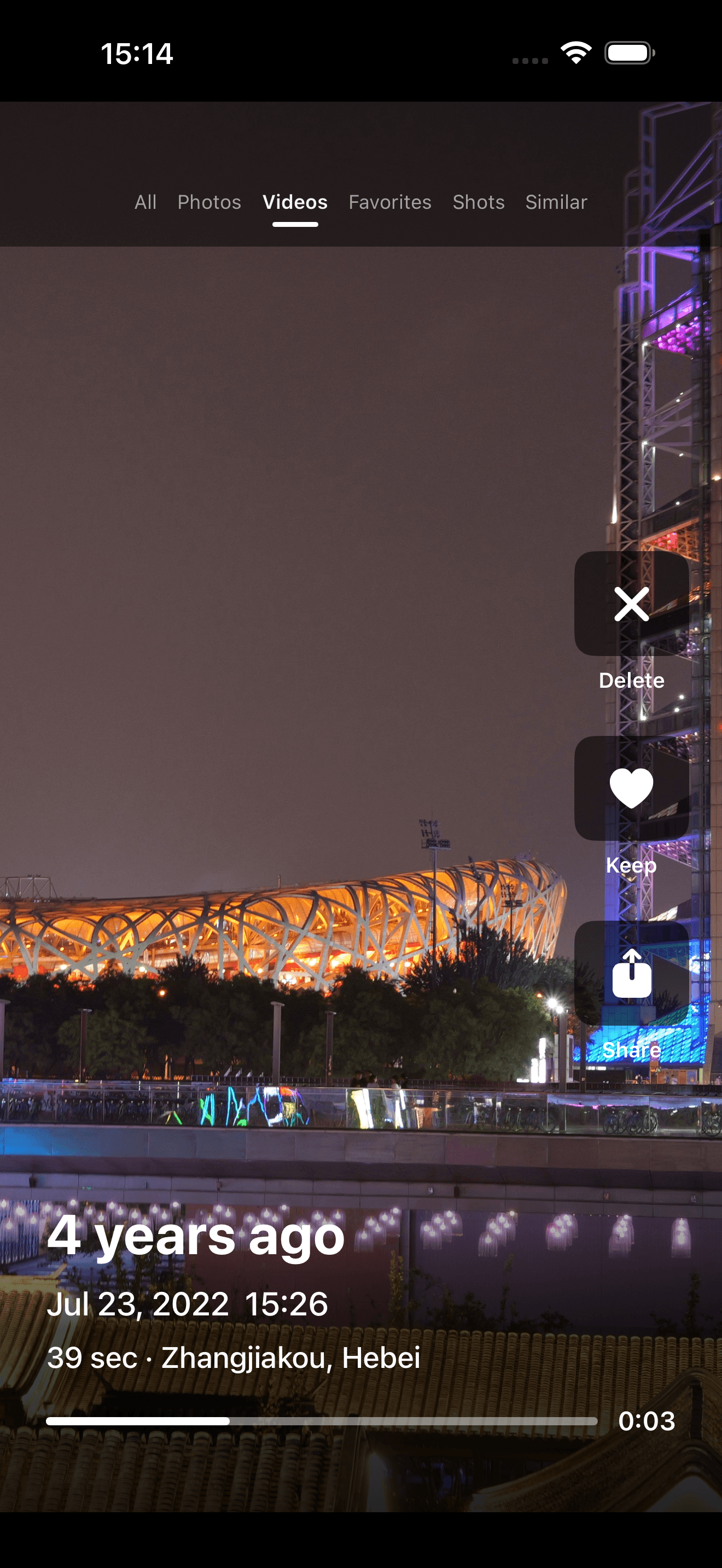
BrowsePhotos and videos share one flow.
ChooseKeep, share, or add to the basket.
ConfirmReview the batch before deletion.
Built for real camera rolls
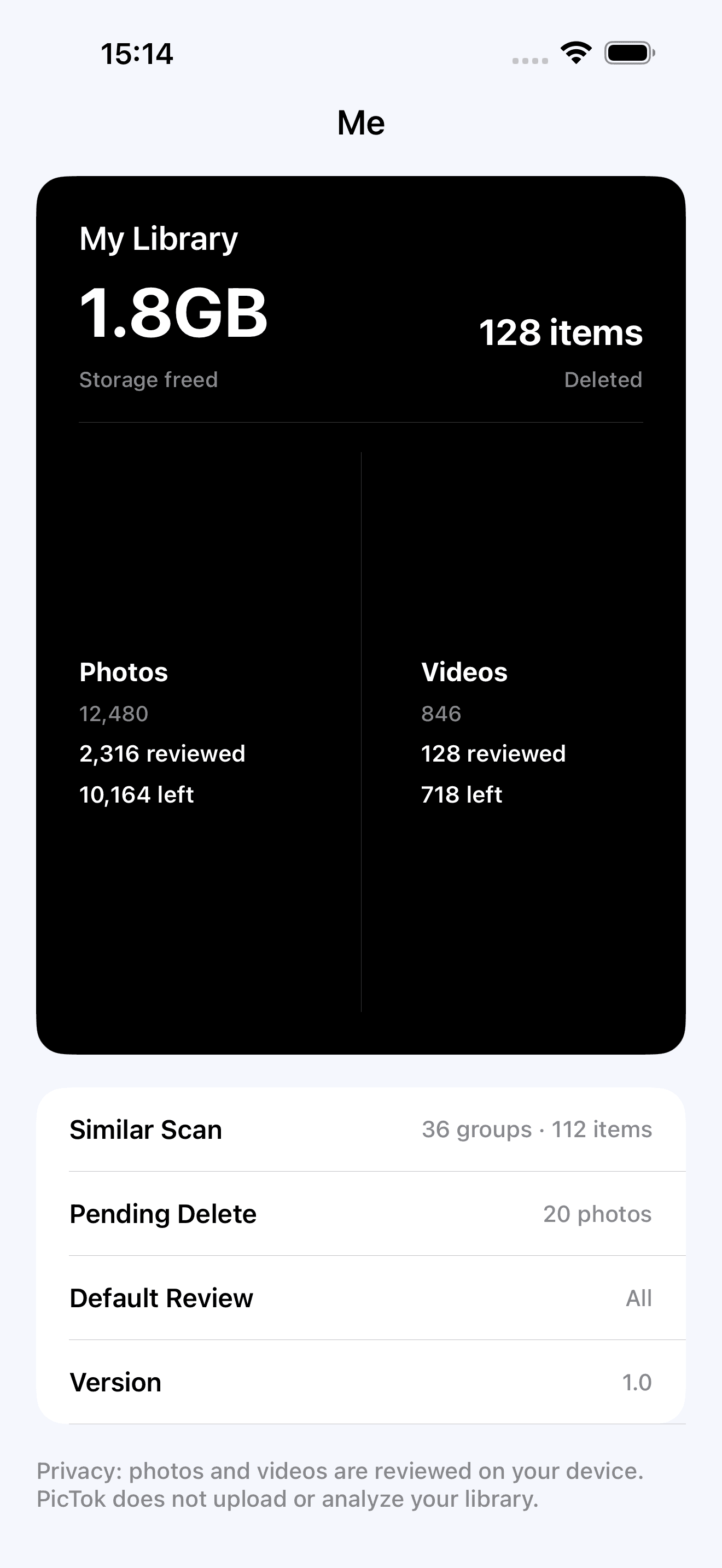
Private by design
PicTok does not require an account. Photo review, similarity analysis, and cleanup decisions happen on your device. Network access is only used for Apple services such as downloading an iCloud original when needed.
Questions, answered
No. Your library is reviewed and organized on your device. PicTok does not require an account and does not upload or analyze your photos on our servers.
PicTok lets you review every selected item before asking iOS to delete it. Deleted items then remain in Apple Photos’ Recently Deleted album for the recovery period provided by iOS.
Yes. Photos and videos share the same swipe flow, so large clips do not get left behind when you clean up your library.
PicTok is free to start with a daily review and deletion allowance. Optional Pro plans unlock unlimited daily use and similar-photo analysis, including a one-time purchase option.
PicTok is designed for iPhone and iPad and requires iOS or iPadOS 17 or later.
Start with a few minutes
PicTok is free to start, with optional Pro access for unlimited daily cleanup and similar-photo tools.
Download on theApp Store